Home » Archives

Content tagged with: sharepoint

[29 May 2012 | No Comment | ]

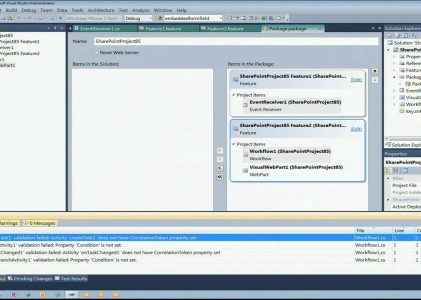
Microsoft SharePoint 2010 has evolved into a great developer platform with new tools, services and APIs. Visual Studio 2010 now provides a first-class development environment for building SharePoint 2010 solutions. This session provides an overview of the new project and item templates, flexible packaging and deployment, and many other development features and tools. If you’re a SharePoint developer, or an ASP.NET developer planning to do SharePoint development, you won’t want to miss this session.

[2 Dec 2010 | No Comment | ]

Scott Hillier shows SharePoint developers how to use the JavaScript Client Object Model.

[1 Jul 2010 | No Comment | ]

Many developers use services to build and integrate applications and line-of-business systems with SharePoint. With SharePoint 2010, developers now have a wider array of options that include ASP.NET, Windows Communication Foundation (WCF), and RESTful services. Come get a demo-rich walkthrough of each option and discuss where each of the services might be appropriate and what you stand to gain by using them.

[10 Jun 2010 | No Comment | ]

SharePoint Services are challenging for unit testing because it is not possible to execute the SharePoint Service without being connected to a live SharePoint site. For that reason, most of the unit tests written for SharePoint are actually integration tests as they need a live system to run. In this session, we show how to use Pex, an automated test generation tool for .NET, to test SharePoint Services in isolation. From a parameterized unit test, Pex generates a suite of closed unit tests with …

[26 May 2009 | No Comment | ]

Microsoft SharePoint technologies provide a collaborative framework to enhance project management processes, team collaboration, and information management. The ability to deliver relevant project reports on key metrics such as schedule, budget, and performance can contribute to project success. In addition, participants will learn how to:
* Display relevant project reports with custom views
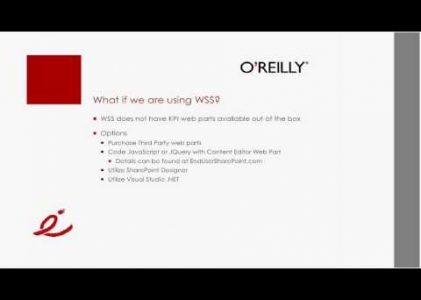
* Develop visually relevant key performance indicators (KPI) using out of the box tools and third party products
* Automate status reporting with SharePoint alerts